Open source ImmersiveX by GenXR · MIT licence · Unity 6 · OpenXR GitHub

Your content, standing in your room

ImmersiveX turns holograms, 3D models, 4D scenes, video and web experiences into mixed reality you can walk around, pick up and come back to. You bring the content. It handles the room, the anchors, the hands and the build.

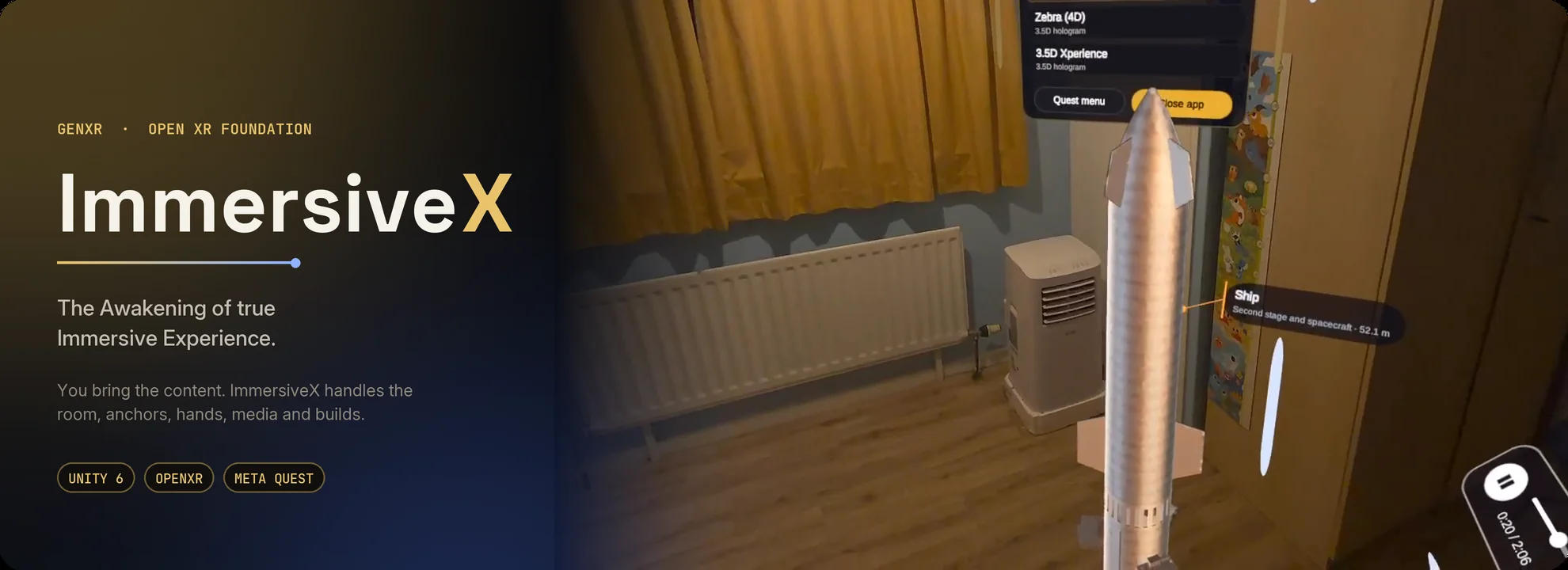
ImmersiveX on Meta Quest 3: a narrated 4D scene standing in a real room, with the content menu above it and a part's label beside it
Recorded on Meta Quest 3
11
kinds of content, from Gaussian splats to narrated 4D scenes
0
lines of code to add a piece of content
< 1 s
to load a two-minute 4D scene on Meta Quest 3
72 fps
the headset’s native rate, measured on Quest 3
MIT
open source: free to use, change and ship
Who it is for

For the people in the room, and the teams who build for them

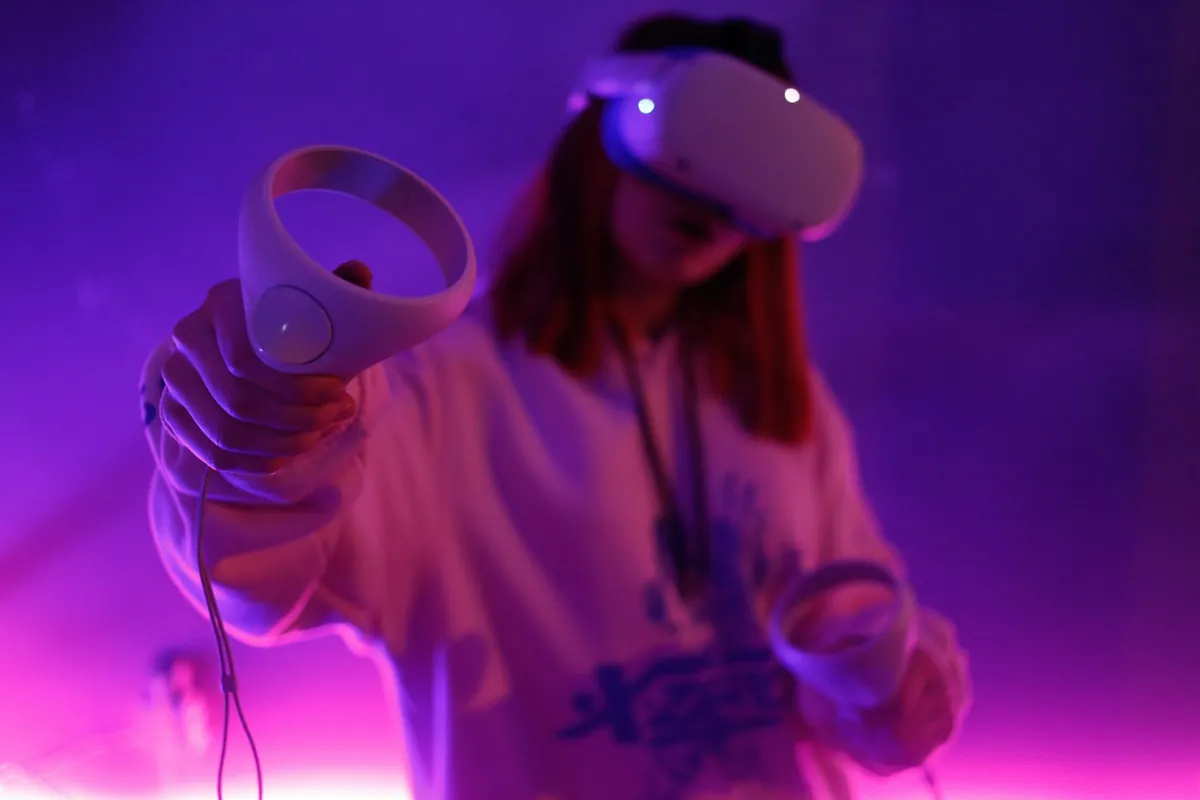
A person in a mixed reality headset reaching out with a controller
For people

Immersive content that feels like it belongs there

Films, performances, objects and places appear on your own floor, at the size you choose, and stay part of your space.

  • Walk all the way around it, or crouch to look underneath
  • Lift a part out with your hand, look closer, then put it back
  • It stays exactly where you left it, even after the headset sleeps
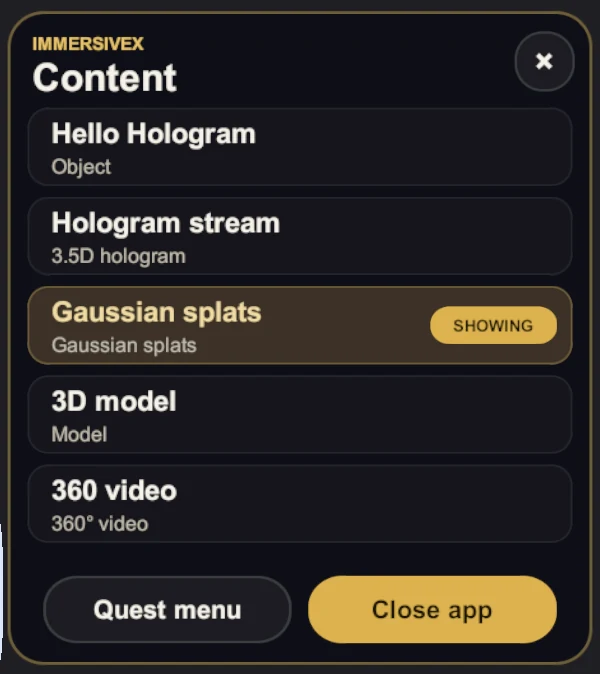
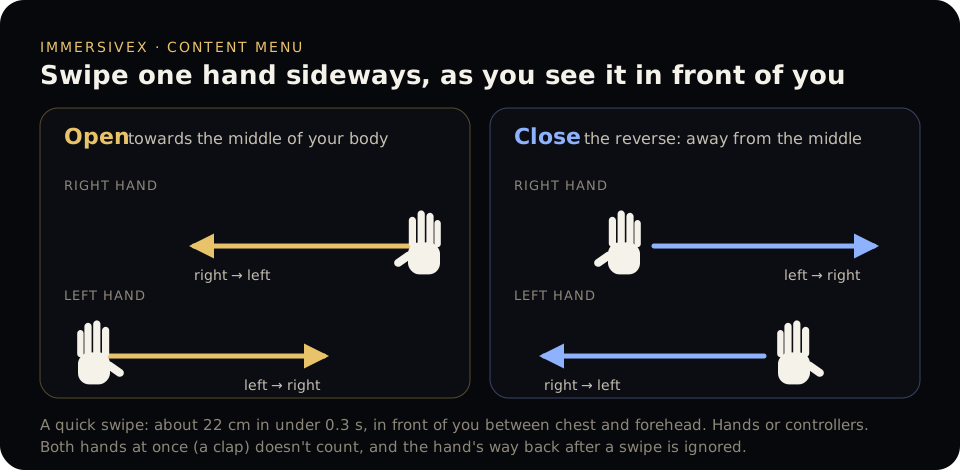
  • One swipe of your hand brings up everything there is to watch
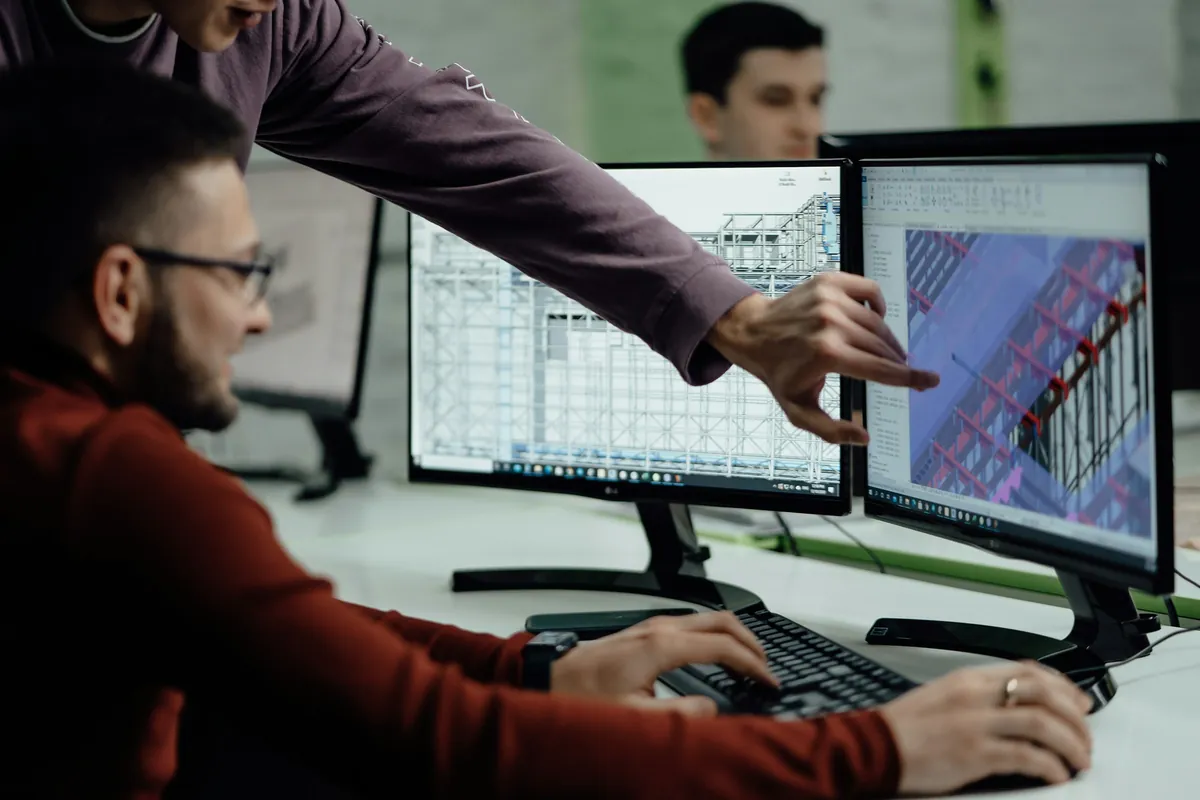
Two engineers reviewing a 3D structural design across a pair of monitors
For teams and businesses

Ship immersive experiences without rebuilding the basics

Room mapping, spatial anchors, interaction, media playback and store-ready builds are done, so your effort goes into the content and the outcome.

  • Add 3D, media and web content in the editor, with no code
  • Every build checks that its content ships, before it reaches a headset
  • Meta Quest builds that follow Meta’s release rules for the store
  • Open source and tested: 141 automated tests, MIT licence
How it works

From a file to your floor in four steps

The same path for a photogrammetry scan, a 360° film or a narrated 4D explainer.

01

Bring your content

A file, a folder of frames or a link: splats, 4D captures, glTF, video, photos, web pages or 4D scenes.

02

Add it in one step

One menu in Unity detects the format, copies what it needs, packs heavy captures and adds it to the scene.

03

Build once

A Meta Quest app, checked for missing content and packaged to the store’s rules. More headsets join on the same contract.

04

Place it in the room

It stands on your real floor, stays put with spatial anchors, and plays with your hands or controllers.

Your content ANY OF 11 KINDS See-through view your real room Room mapping floor and walls Spatial anchors stays where you left it Hands and controllers press, grab, point Content menu one swipe Media controls play, seek, sound Selectable parts pick up, put back Captions and cards it explains itself
  • See-through viewyour real room
  • Room mappingfloor and walls
  • Spatial anchorsstays where you left it
  • Hands and controllerspress, grab, point
  • Content menuone swipe
  • Media controlsplay, seek, sound
  • Selectable partspick up, put back
  • Captions and cardsit explains itself
What it handles

Everything around your content, already built

Each piece of content gets the same care, whatever its format, so an experience feels finished on the first day.

  • See-through view and room mapping. Your real room stays visible; known rooms load silently and new ones are mapped once.
  • Spatial anchors. Content moves only when you move it, and returns to the same spot after a restart.
  • Hands first. Fingers press, hands pick things up, and a controller’s ray clicks and drags handles.
  • Parts, captions and cards. Lift a part out of a model; narrated content explains itself as it plays.
Where it makes a difference

One foundation, every industry

The same building blocks become a surgical rehearsal, a classroom lesson or a showroom, with the content as the only thing that changes.

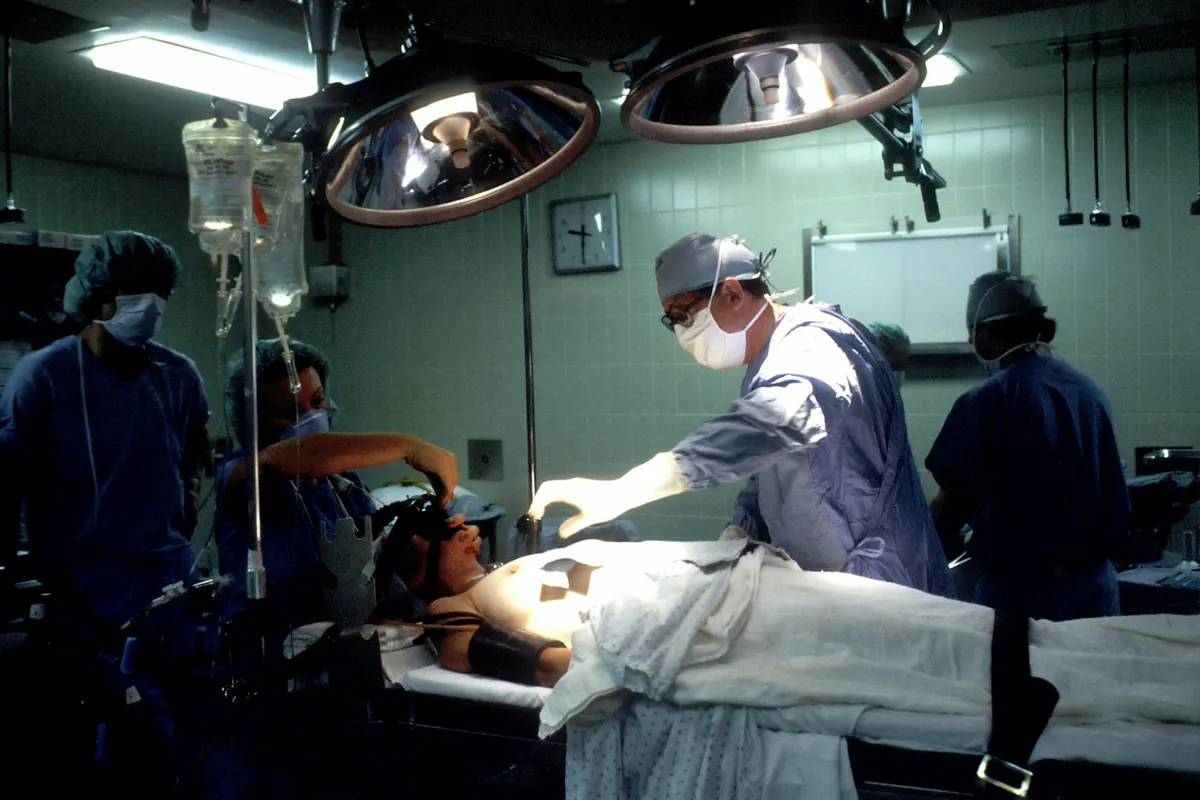
A surgical team at work in an operating room
Healthcare

Anatomy you can walk around

Patient-specific models and procedure walkthroughs stand in the training room at real size, with structures clinicians can lift out, study and put back.

Talk to us about healthcare
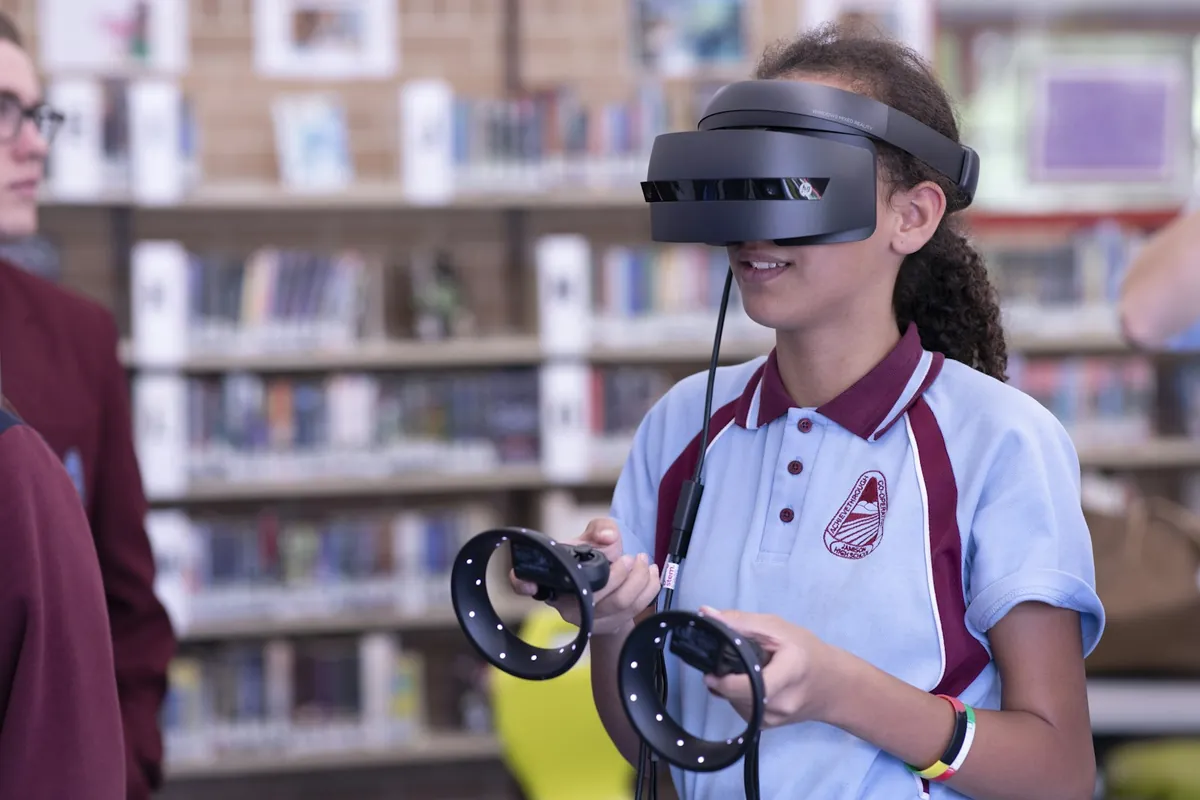
A student using a mixed reality headset and controllers in a library
Education

Lessons that stand on the classroom floor

Models students can take apart and narrated 4D explainers that name every part as it plays, from one app on every headset in the class.

Talk to us about education
The headlight of a car on a showroom floor
Automotive

Every model in the showroom, at full scale

Design and configuration models with selectable parts, anchored in the showroom or the studio so the whole team reviews the same car.

Talk to us about automotive
A crowd at a concert under bright stage lights
Entertainment

Performances in your living room

Volumetric holograms and 4D captures, streamed or bundled, in step with their soundtrack and standing in front of the audience.

See the demos
Robotic arms on a car production line
Industrial

Training on a twin of the line

Equipment as 3D models with removable parts and step-by-step 4D explainers, anchored beside the real machine.

Talk to us about industrial training
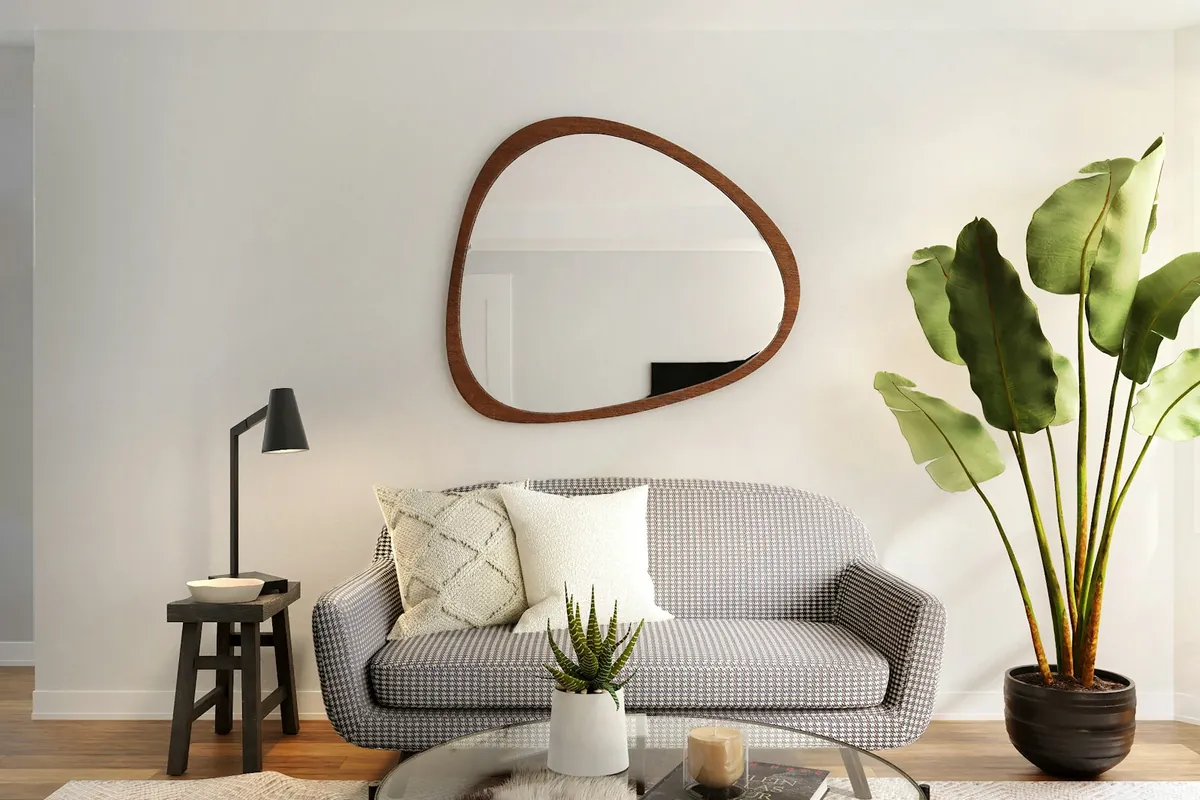
A bright, furnished living room
Real estate

Tour the property from the sofa

Splat scans and 3D tours shown as a tabletop model or at full scale, so buyers can explore a home before they visit.

Talk to us about real estate
SEE IT IN ACTION

Starship in 4D

Take a rocket apart. Then launch it.

A narrated two-minute 4D explainer, the same content ImmersiveX plays in the room on Meta Quest. Watch it in your browser now, from any angle.

Starship lifting off its pad in steam and fire
Platforms

Meta Quest today. More headsets next.

Every platform plugs into the same contract, so your content and your app carry over as each one arrives.

Available now

Meta Quest

  • Meta Quest 3 and 3S full mixed reality
  • Meta Quest Pro and Quest 2 passthrough
  • Meta XR Simulator test without a headset
Next

Apple and Android

  • Apple Vision Pro visionOS
  • iPhone and iPad ARKit
  • Android phones ARCore
  • Android XR headsets OpenXR
Later

Optical and PC

  • Microsoft HoloLens 2 optical
  • Magic Leap 2 optical
  • PC VR through SteamVR OpenXR
  • HTC VIVE headsets OpenXR
FOR DEVELOPERS

A Unity 6 foundation you can read in an afternoon

Built on AR Foundation, the XR Interaction Toolkit and OpenXR.

  • One component per job: Immersive Media for content, Immersive Content for your own objects
  • One platform contract, with thin adapters that pin their own SDKs
  • Editor automation that AI coding agents drive to add content and test it in the simulator
  • A content guide for every format, and a check in every build
# clone it, open it in Unity 6000.3
git clone https://github.com/OlafenwaMoses/ImmersiveX

# Unity menus
ImmersiveX ▸ Platform Setup ▸ Meta Quest ▸ Install, Configure
ImmersiveX ▸ Media ▸ Add Media…     # a file, a folder or a link
ImmersiveX ▸ Play Mode ▸ Meta XR Simulator
Platform Setup ▸ Build And Run
Your content

Put your content in the room

Bring us a product, a performance, a place or a lesson. We’ll make it an experience people can walk around.

Photography from Unsplash: Adrià García Sarceda, Lenny Kuhne, stem.T4L, National Cancer Institute, Max, Nicolás Flor, Spacejoy and Evgeniy Surzhan. Meta Quest, Apple Vision Pro, HoloLens and other product names are trademarks of their owners.